
Intro
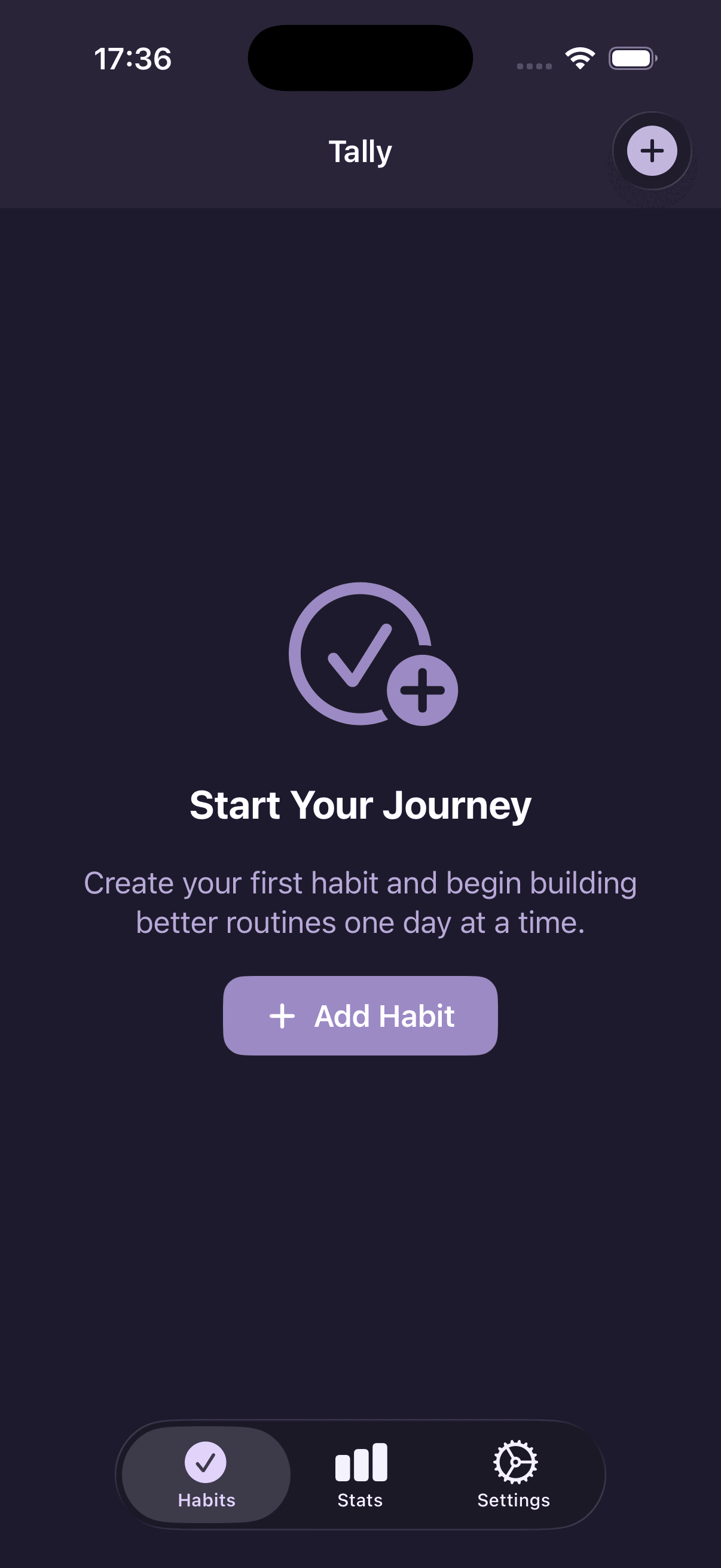
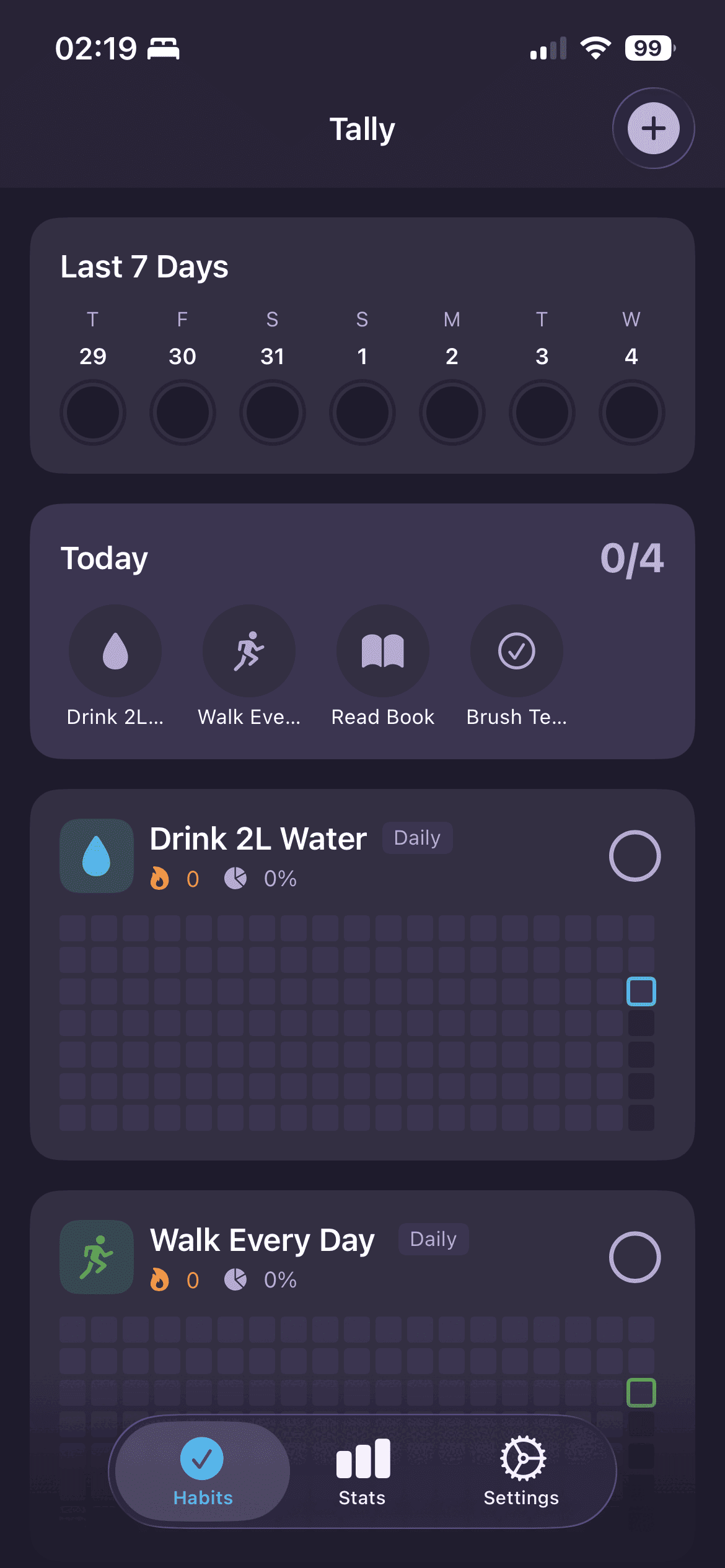
Everyone has its own idea of a habit tracker and in addition to that all available apps which I liked, limit number of habits. I thought why not with the help of coding agents it became possible to create a working version on an afternoon. So here it is, Tally -
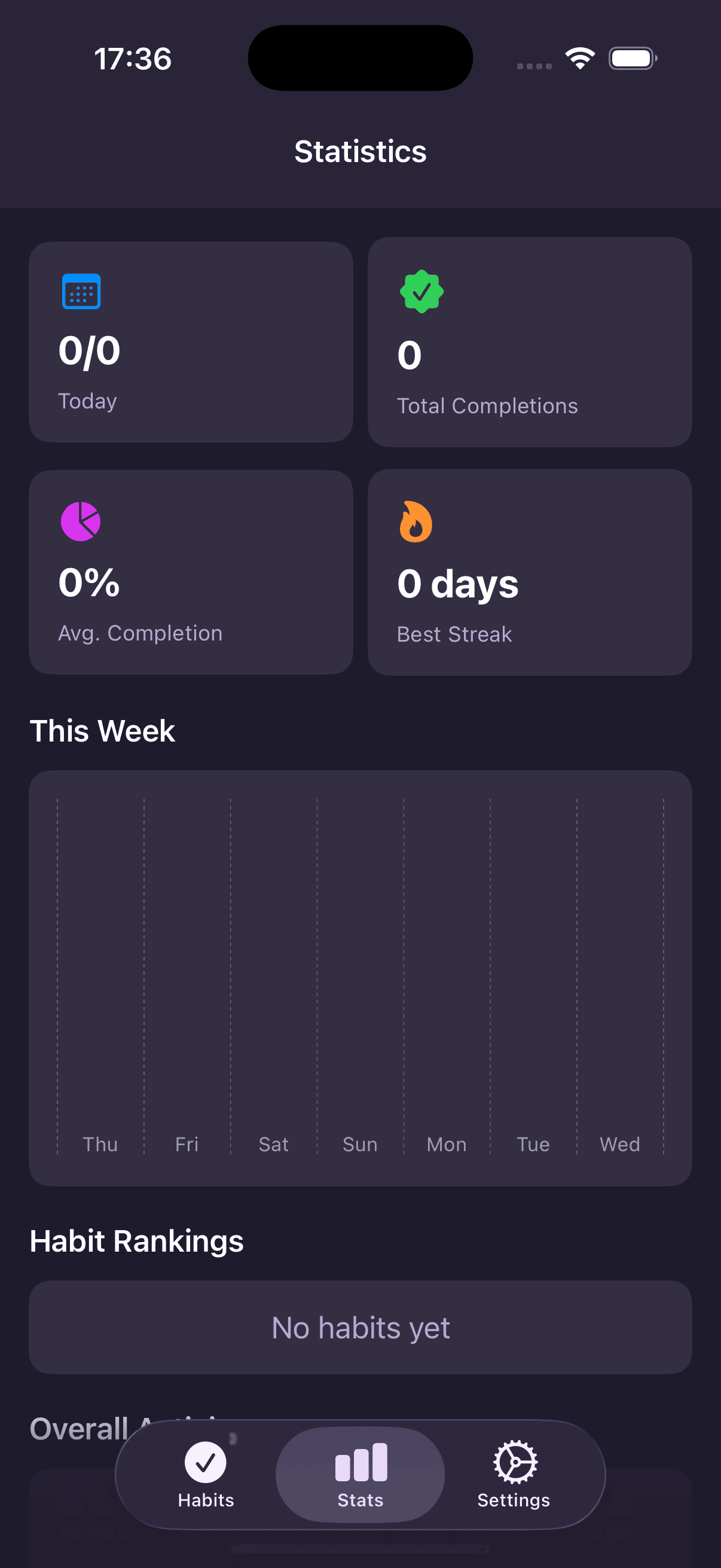
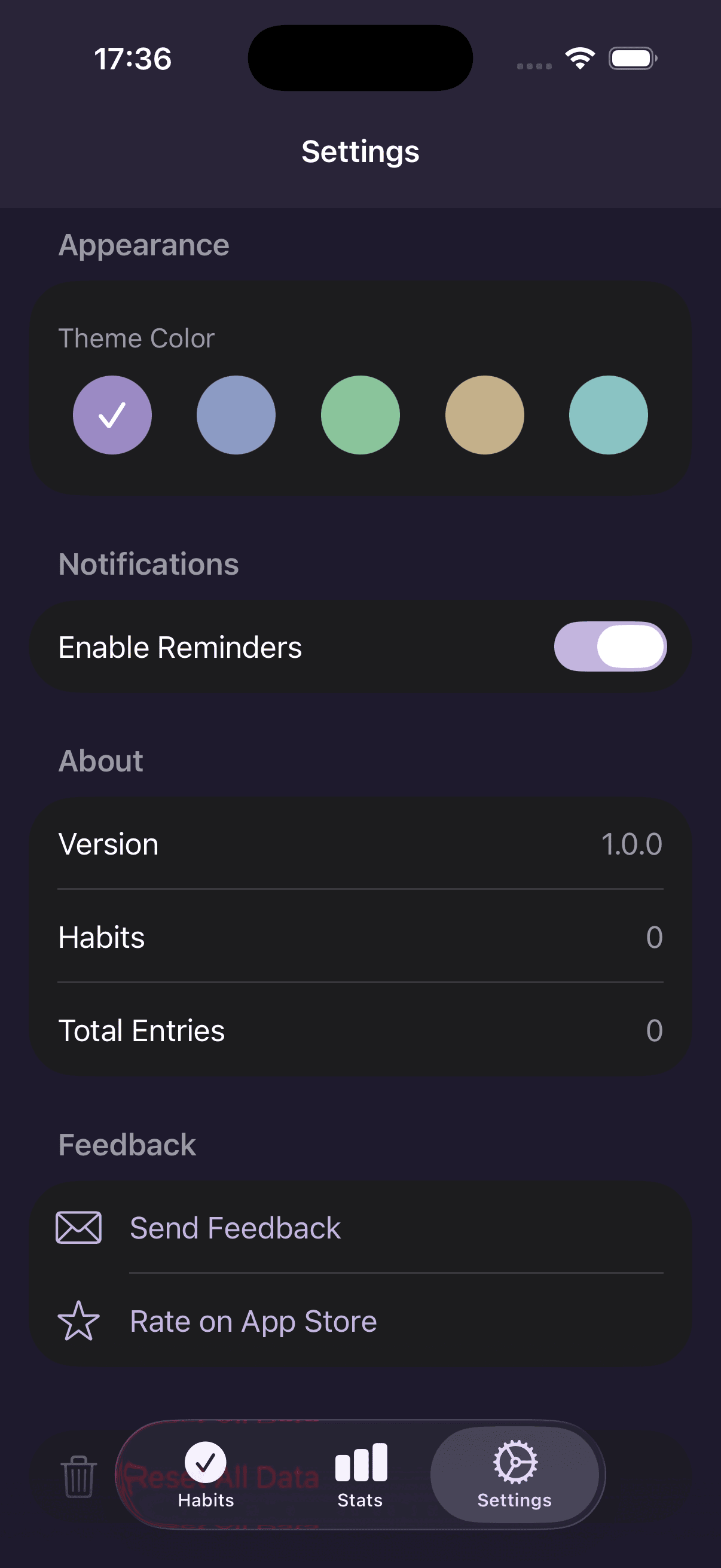
A simple habit tracking app for iOS with GitHub-style contribution grids, analytics and reminders.
How to Load without Apple Developer Account
Self-build (recommended)
You can load the app on your own device without Apple Developer Account using Xcode or Altstore. Altstore has auto refresh feature so you don’t need to re-install every 7 days like with Xcode.
- Build with Xcode (Product -> Clean Build Folder, then Product -> Build)
- Open Product Build Folder (Product -> Show Build Folder in Finder)
- Locate the .app file in the Build folder
- Create a Payload folder and place the .app file inside
- Compress the Payload folder into a .zip file change the extension to .ipa
- (I couldn’t airdrop the .ipa file so i airdropped the .zip file and renamed it on the device)
- Send the file to your iOS device (AirDrop, Email, etc.)
- Open Altstore on your iOS device
- Go to My Apps tab and tap the + icon on the top left
- Select the .ipa file you sent to your device
Altstore Source (easier)
- Add the Altstore source to your Altstore app: https://raw.githubusercontent.com/giraycoskun/Tally/refs/heads/main/Altstore.json